來自日本的 3D 繪圖軟體,如果熟悉向量繪圖軟體,那麼 Shade 3D 可以讓我們更快速地踏入 3D 的世界。
- Shade3D
- 軟體版本 : 15 for Mac
- 軟體分類 : 96圖片工具 (3D 繪圖)
- 語言介面 : 英文
- 作業系統 : macOS
- 軟體性質 : 試用軟體
- 使用限制 : 三十天試用
- 檔案大小 : 195.31 MB
- 官方網站 : Shade3D
- 點閱次數 : 6,884下載次數 : 780
- 更新時間 : 2015/6/16 下午 03:19:19
軟體簡介
從 3DCG 到 3D 列印。 使用 Shade 3D 製作軟體,讓 3D 創作最大化。 Shade3D 製作如照片般逼真的 3D 圖片和動畫,從 3D 立體動畫流行開始,許多資料建立與設計開始累積,而且更廣泛的應用到 3D 列印技術。 並且應用產業幅員遼闊,如汽車,建築,遊戲,動畫、室內設計,產品,廣告插圖……等等,並充分利用了 3D 模型製作和各種實際形狀的 3D 列印。
說明介紹
燈光特效
五種新的燈光特效
高畫質螢幕支援
Mac OS X Retina display
High-Resolution Windows PC Notebook
4K monitors
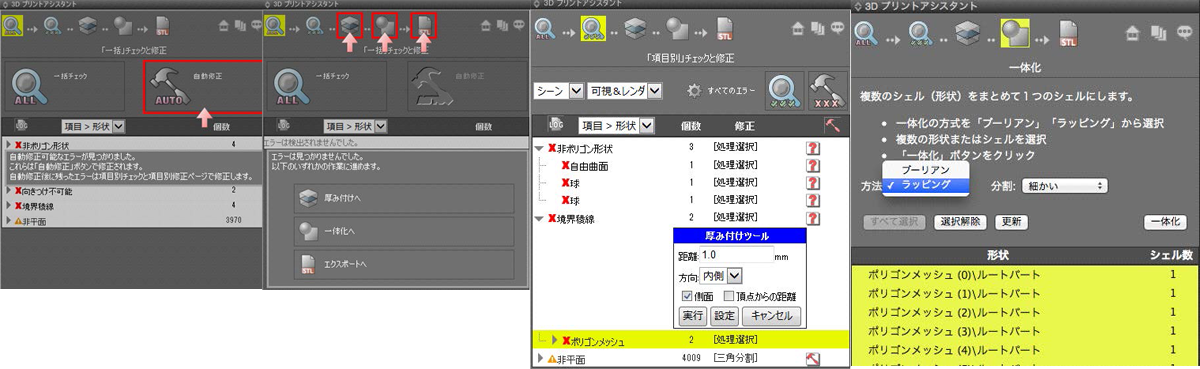
進階 3D 列印支援
3D 列印支援
製程更新
表面材質
表面材質貼附
表面材質完成圖
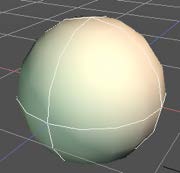
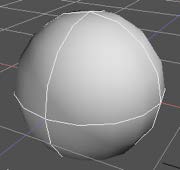
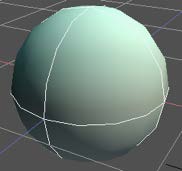
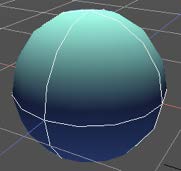
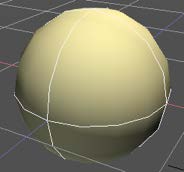
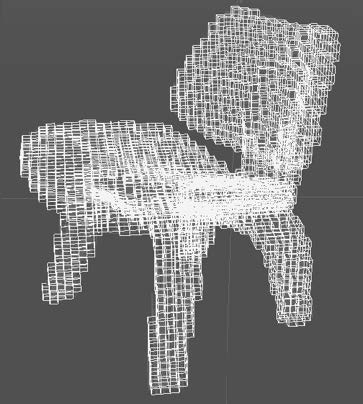
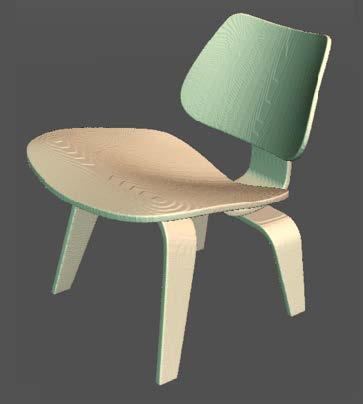
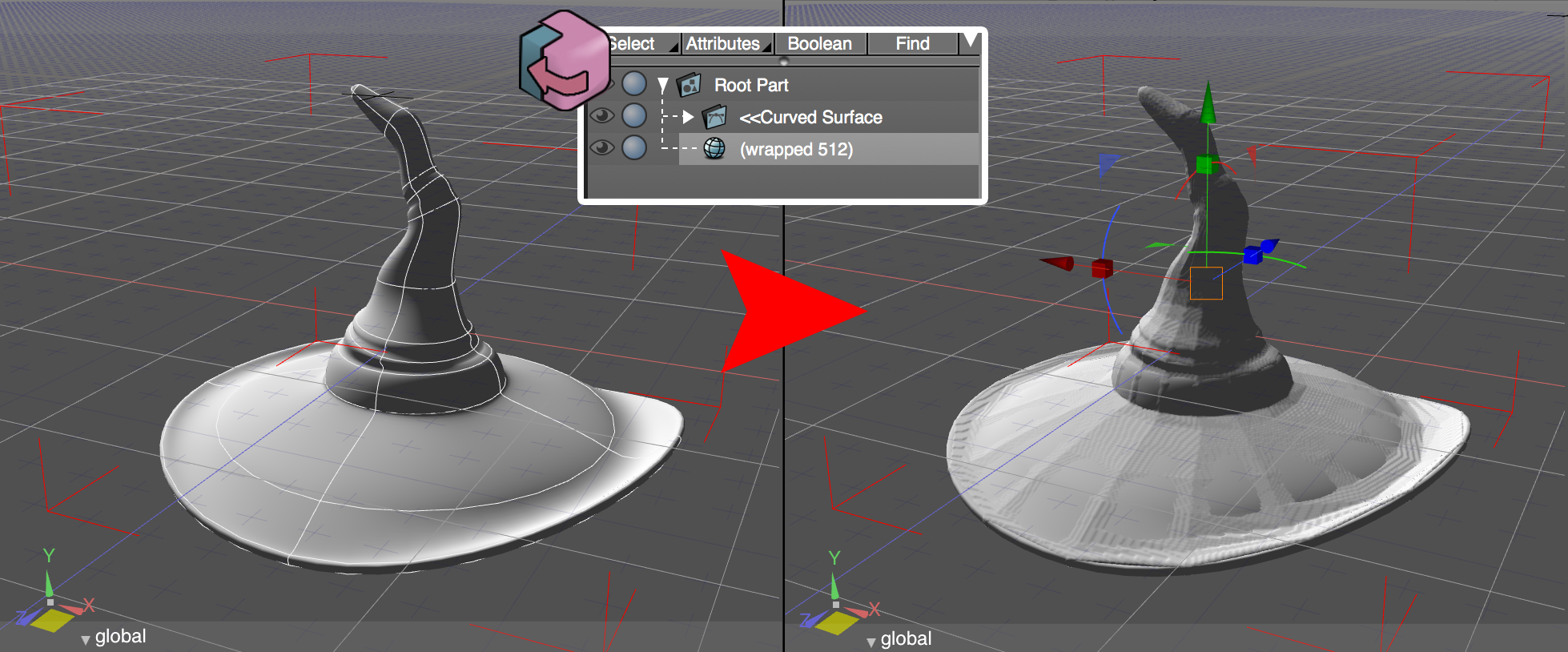
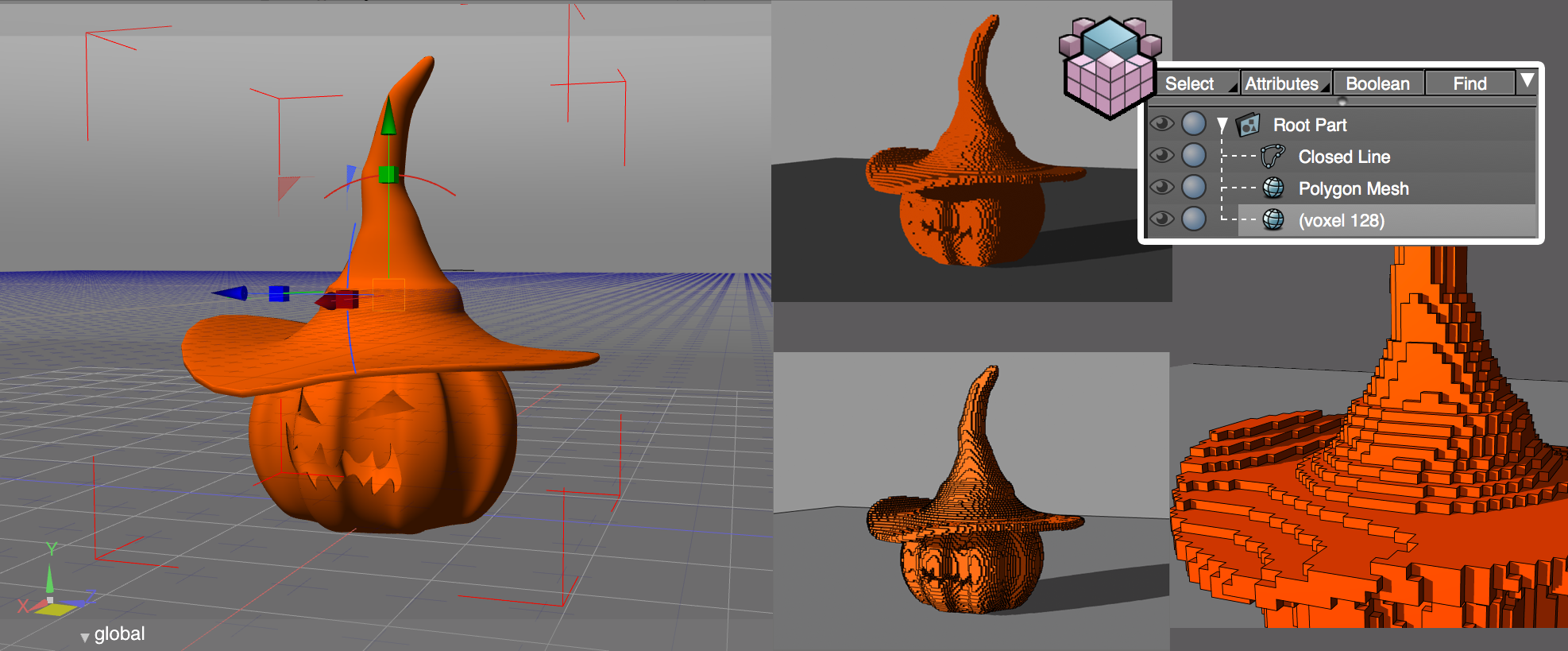
使用 內建特效 你即刻可以感受到 Shade ver.15 的 最新表面材質技術. 以下案例, 你可以看到使用 polygonal wrapping 前後,多邊曲面的差異:
新的表面材質特效可以覆蓋表面缺陷:
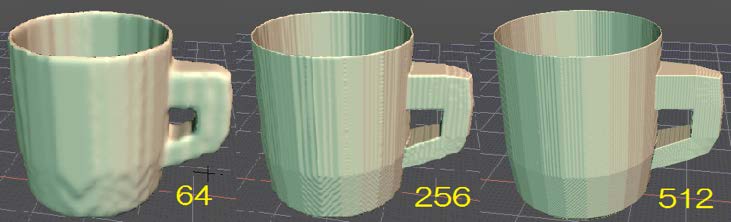
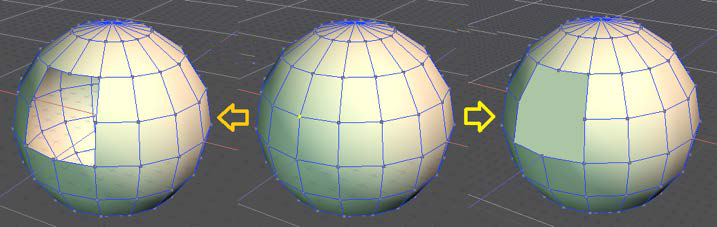
消除鋸齒或者鋸齒化
小方塊將取代原先的光滑表面.
以下範例中, 右下方的圖片, 你會看到鋸齒化後的效果以及 Shade 的 Toon Rendering.
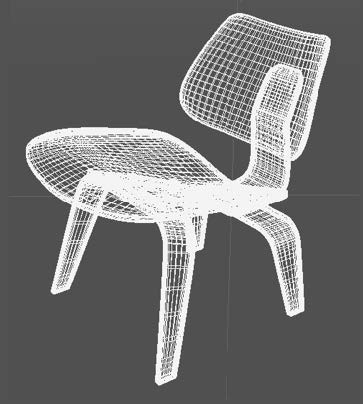
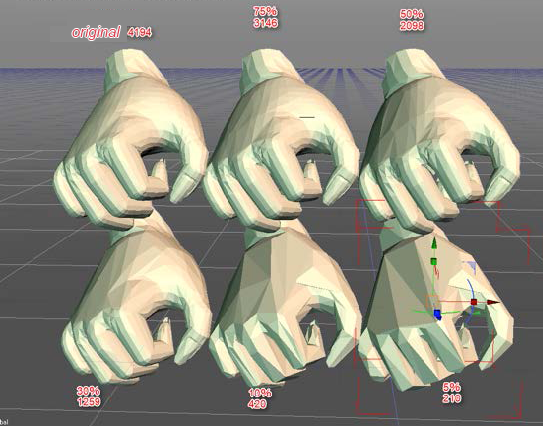
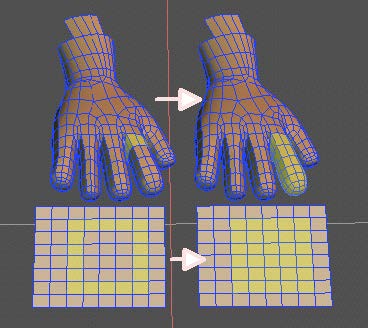
Polygon 降低
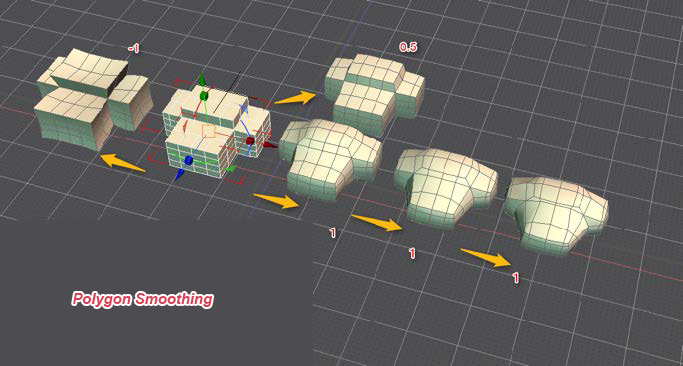
Polygon 平滑化
延伸 Polygon 編輯功能
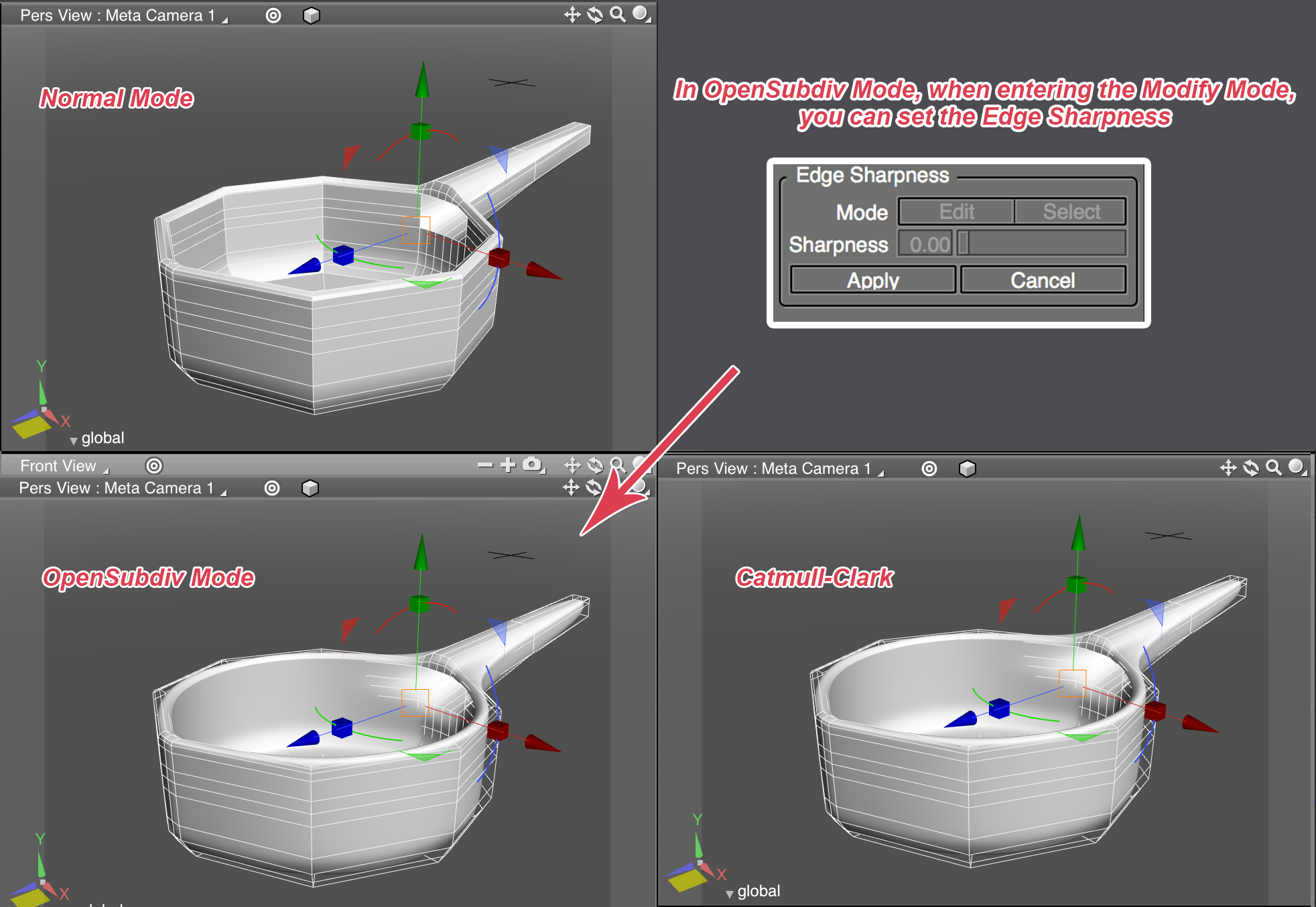
OpenSubdiv
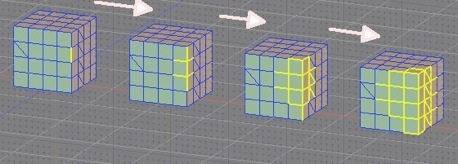
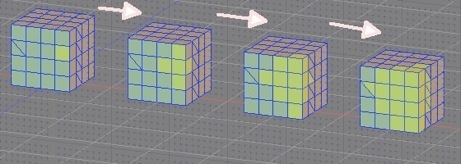
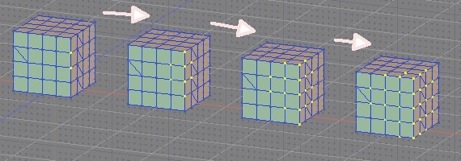
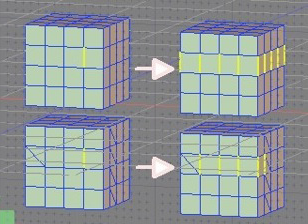
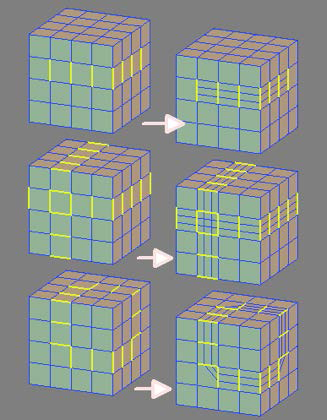
Selection Tools (選取工具)
擴大和縮小選取
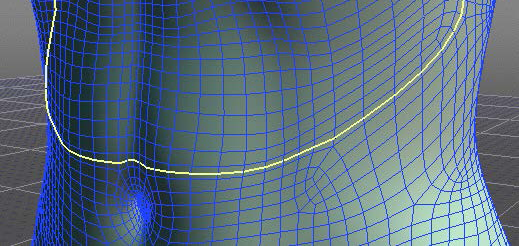
Ring Selection (環狀選取)
Select Inside Area (內部區域選取)
Detect Tools
Concave Faces
Negative Curvature Vertices
Small Elements
Planar Faces
Merge/Remove Tools (合併 / 移除 工具)
Remove/Remove and Clean
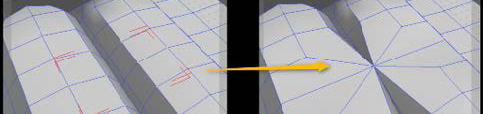
Cleanup Vertices
Edge Collapse
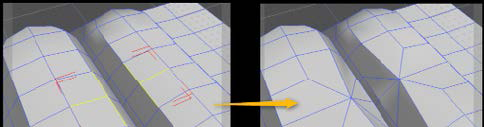
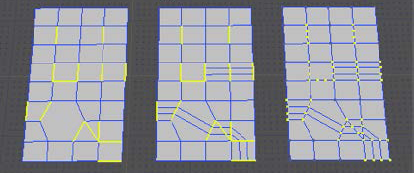
Subdivide/
Loop Slice
Subdivide Tools are now available in the edge mode as well (as the vertex mode).
More Realtime Interaction!
其他
新功能與其他更新功能
使用 ShadeExplorer 同步目錄
演算速度加快 (UP to 5~10%)
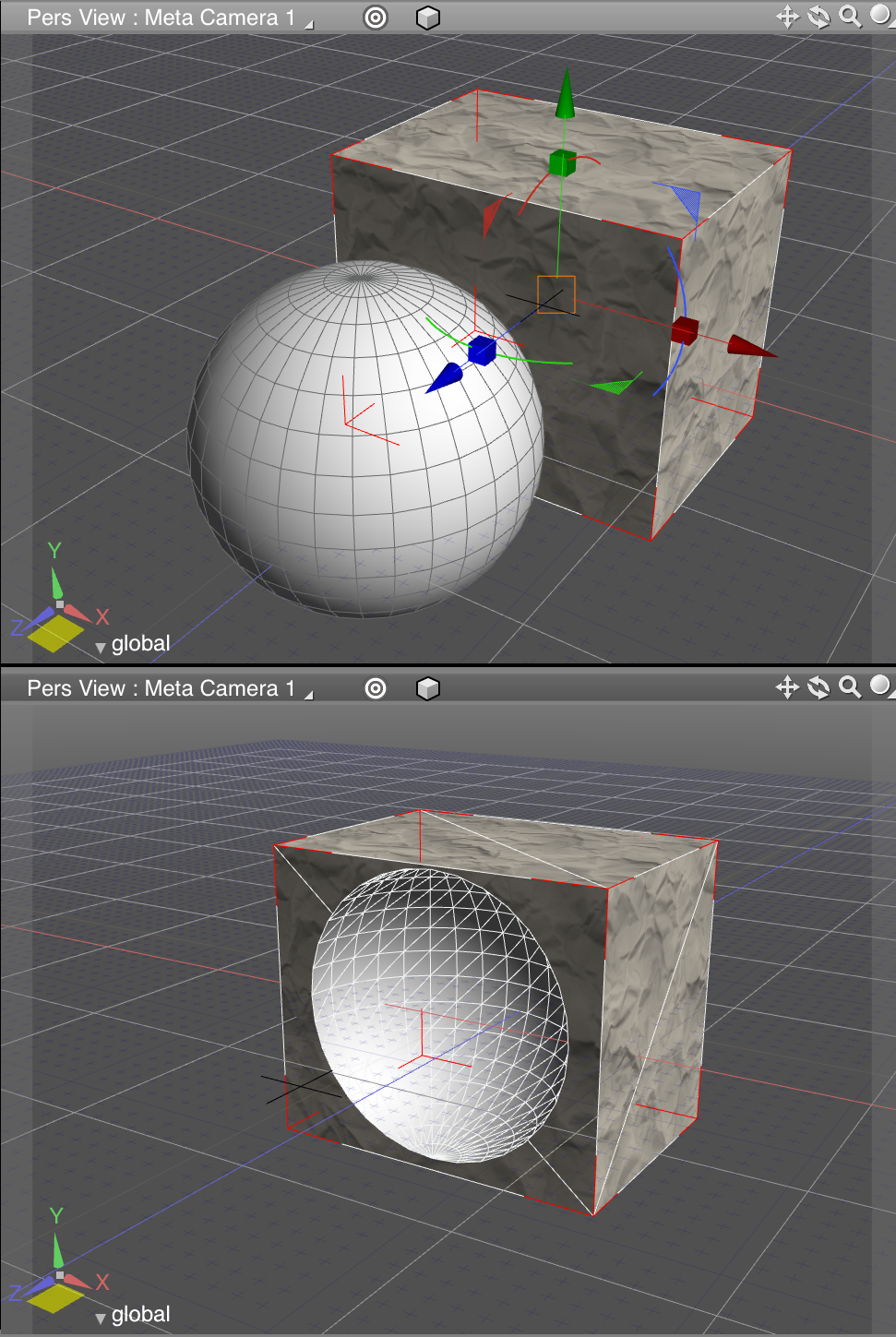
經由布林運算,保存較好的表面材質設定
系統需求
Windows 32/64 bit
- Windows 7, 8, 8.1 (64-bit OS required for 64-bit installation)
- Windows 32 Bit: Intel® Core™ 2 Duo, AMD Athlon II or newer (CPU with SSE2 support required)
- Windows 64 Bit: Intel® Core™ 2 Duo, AMD Athlon 64 X2 or newer (CPU with SSE3 support required)
- 32 Bit: 2 GB (4 GB recommended)
- 64 Bit: 4 GB (8 GB recommended)
- 5 GB free hard drive space
- DVD-ROM drive (if installing from DVD), Internet connection environment
- 1,024 x 768 resolution monitor with 24-bit color (1280 x 1024 or higher recommended)
- NVIDIA® GeForce® 400 series or higher, NVIDIA® Quadro® FX or higher is recommended, AMD Radeon™ HD 5000 or higher, Intel HD Graphics 2nd Generation or higher, Intel HD Graphics 3rd Generation or higher is recommended
- 3D Stereo Display: NVIDIA® 3D Vision™, Polarized 3D monitor
- OpenGL 3.2 or higher is recommended
* Shade 3D ver.15 is not officially support on XP and Vista platform
* NVIDIA® 3D Vision™ or NVIDIA® 3D Vision Pro™ requires OpenGL 3.2 compatible Quadro graphics card
Mac OS X Intel 64-bit
- Mac OS X 10.8/10.9/10.10 (Intel only)
- 64 Bit: Intel® Core™ 2 Duo or newer
- 64 Bit: 2 GB (4 GB recommended)
- 5 GB free hard drive space
- DVD-ROM drive (if installing from DVD), Internet connection environment
- 1,024 x 768 resolution monitor with 24-bit color (1280 x 1024 or higher recommended)
- Mac mini Early 2009 or newer, iMac Mid 2007 or newer, MacBook Air Late 2010 or newer, MacBook Aluminum / MacBook Pro Late 2008 or newer, Mac Pro Early 2008 or newer
- NVIDIA® GeForce® series or higher is recommended, AMD RADEON™ HD series or later, Intel HD 3000 or higher
- 3D Stereo Display: Polarized 3D monitor
- OpenGL 3.2 or higher is recommended
* Shade 3D ver.15 is not available on Mac OS X 10.7 platform
* Shade 3D ver.15 is available on 64-bit only
* Polarized 3D monitor requires OpenGL 3.2 or higher graphics card
* PoserFusion supports Poser 6/7/8/9/10, Poser Pro 2010/2012/2014 (Windows / Mac OS X)
試用說明:
下載時,會引導回中文官網之下載頁。請選擇欲試用的版本並填妥聯絡資訊,官方會以 email 的方式寄出下載連結以及註冊檔之下載連結。
各版本比較:




版本說明
x64/x86_64 : 64 位元x32/x86/i386 : 32 位元amd64 : Intel/AMD 64 位元arm64/aarch64 : arm 64 位元安裝版 : 軟體需經過安裝程序才可執行免安裝版/可攜式版 : 軟體不需安裝即可執行
網編推薦.
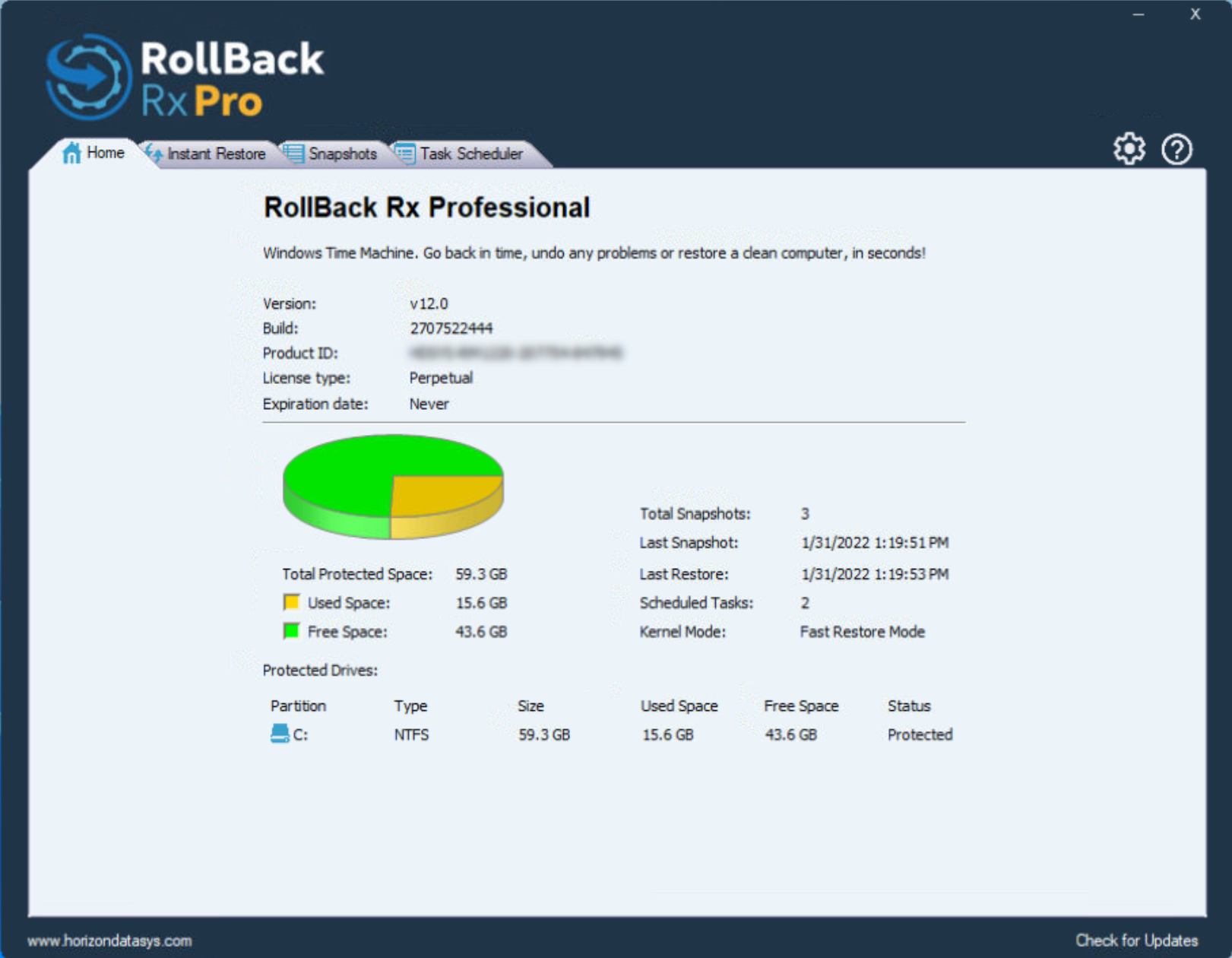
多語 RollBack Rx Pro 12.0
一個全面的 Windows 系統還原解決方案,使用戶和 IT 管理員能夠在幾秒鐘內輕鬆地將電腦系統還原到任何以前的狀態。
Windows 系統還原僅還原 Windows 系統檔案和一些程式檔案。此外,如果 Windows 崩潰到 Windows 本身無法啟動的程度(例如 BSOD),您將無法瀏覽 Windows 系統還原點。相比之下,RollBack Rx 技術在硬碟的扇區級別工作並復原所有內容!一直到資料的最後一個字節。它位於 Windows 下方,因此即使 Windows 崩潰,也有一個在 Windows 之前啟動的子控制台(迷你作業系統)。這使您可以瀏覽 Rollback Rx 並返回到系統正常工作的時間點。
網編推薦.

多語 MaxFocus: 連結預覽和AI助手 0.5.8 for Chrome Extensions
MaxFocus 讓您無需離開目前頁面即可產生詳細的連結預覽,從而提升您的 Chrome 瀏覽體驗。此功能可幫助您避免開啟過多標籤頁造成的混亂,從而節省寶貴的系統資源。
在功能上,MaxFocus 提供了閱讀模式,可以將網頁內容呈現在一個乾淨、無干擾的環境中,讓用戶能夠更專心地進行閱讀。同時,視訊模式為用戶提供了一個只有視訊內容,沒有任何多餘元素的觀看體驗。這些模式都是可以根據用戶的個人偏好進行自定義的,包括預覽視窗的大小、持續時間等。
MaxFocus 的 AI 功能是它的另一大特色。透過 AI 輔助,用戶可以直接在頁面上獲得對應內容的摘要或答案,這對於快速擷取資料要點尤其有用。此外,MaxFocus 還支援多種主流瀏覽器,包括 Chrome、Firefox、Edge、Vivaldi 和 Brave,確保了廣泛的相容性和用戶的選擇自由。
在安全性和隱私保護方面,MaxFocus 做出了明確的承諾。它不會追蹤用戶的瀏覽歷史,也不會存儲任何個人資料。此外,它還能夠阻擋網站追蹤器,保護用戶的線上足跡不被第三方追蹤。